Cookie Banner Rules in Denmark (2026): SME Consent Guide
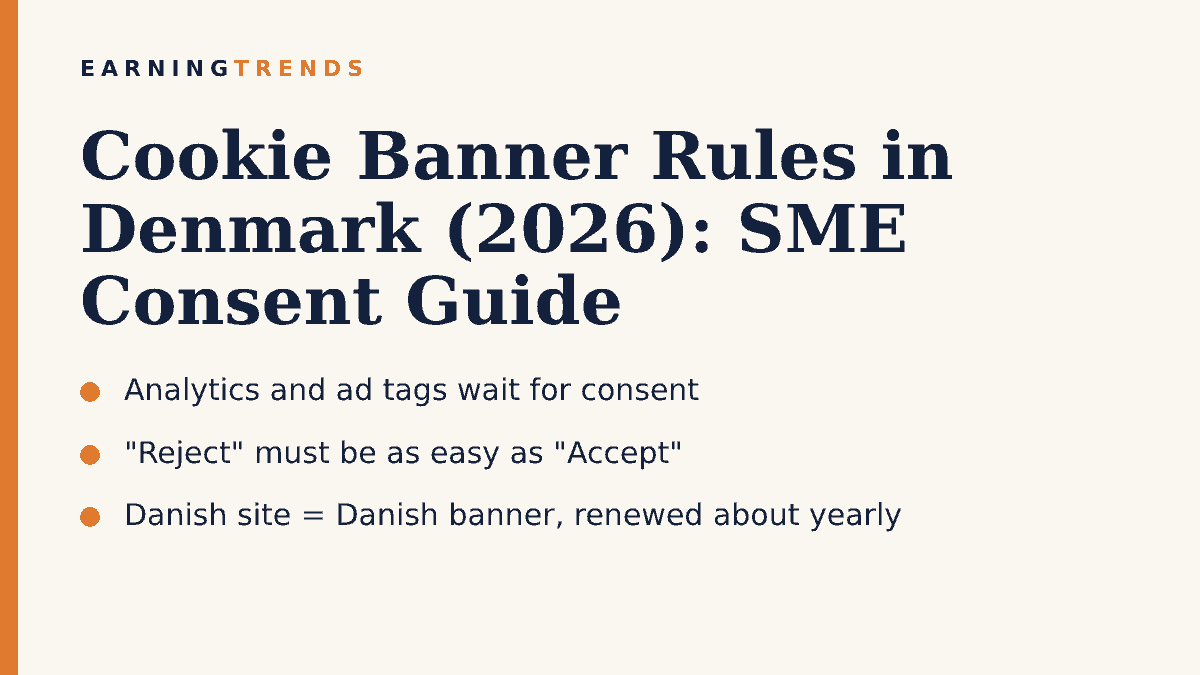
If your website or web shop is aimed at people in Denmark, you need prior, active consent before setting any cookie, pixel or similar tracker that is not strictly necessary. That includes analytics and advertising tags. In 2026 the bar is clear: visitors must be able to say no as easily as yes, choose per purpose, and get the information in Danish if your site is in Danish. Here is what the rules say, what your banner must show, and how enforcement works.
Which rules apply in Denmark?
Two sets of rules usually apply to the same cookie banner:
- The Cookie Order (cookiebekendtgørelsen, executive order no. 1148 of 9 December 2011). It implements the EU ePrivacy Directive and applies whenever you store or read information on a user’s device, whether or not it is personal data. The Danish Agency for Digital Government (Digitaliseringsstyrelsen) supervises it.
- GDPR and the Danish Data Protection Act. These apply when trackers process personal data such as IP addresses, cookie IDs or advertising IDs. The Danish Data Protection Agency (Datatilsynet) supervises them.
In May 2025 the two authorities published a joint guide, “Brug af cookies og lignende teknologier” (Use of cookies and similar technologies). It is the most practical reference for small businesses, and most of this article is based on it. Note that older articles often name the Danish Business Authority (Erhvervsstyrelsen) as the cookie regulator. That information is out of date.
The rules are technology-neutral. Pixels (including email tracking pixels), fingerprinting and app advertising IDs are covered just like classic cookies. Third-party content such as embedded maps, video players, social plug-ins or externally hosted fonts can also place or read trackers. You remain responsible for them, even if your developer or agency set them up.
When do you need consent?
The default is consent first. The joint guide specifically names visitor statistics and personalised advertising as purposes that need consent. The exception is technology that is technically necessary for the service to work as the user expects, provided the data is used for nothing else. The guide’s examples are:
- keeping a user logged in, and security around repeated failed logins
- remembering items in a shopping cart
- settings the user actively chose, such as language, font size or country
- authentication on restricted-access services
- load balancing between servers
Third-party fonts can count as necessary, but only if the provider uses the data to deliver the fonts and not to track users across sites.
What about simple analytics?
This is where Denmark has a nuance. The consent requirement in the Cookie Order still applies to statistics. However, Digitaliseringsstyrelsen states that it does not prioritise supervision of trackers used only for “simple statistics”. It applies four criteria: only data about the visit and the device is collected; the data is not combined with data from other contexts; only the site owner controls the data (a third party may run the collection technically); and the data is used only for traffic measurement to analyse and improve the site. GDPR still applies to any personal data, and you are responsible for checking whether your analytics provider meets these conditions. The safe route is to put analytics behind consent.
What makes consent valid
Consent must be voluntary, specific, informed and unambiguous, and it must be obtained before any tracker fires. The joint guide gives concrete examples of what passes and what fails:
| Banner element | Acceptable | Not acceptable |
|---|---|---|
| Choice | “Accept” and “Reject” offered with equal ease | Only “Allow” plus a link to the privacy policy |
| Design | Buttons with comparable visibility | Bright green “Accept” next to a “Reject” that blends into the background |
| Purposes | Separate choices, e.g. statistics and marketing | One OK/No covering analytics and ads together |
| Labels | Concrete purposes (“targeted ads based on products you viewed”) | Vague categories such as “third-party technologies” |
| Action | Active click, tap or swipe | Pre-ticked boxes, sliders set to on, or “continued browsing = consent” |
| Placement | A separate consent request | Consent hidden in general terms and conditions |
| Frequency | Renewed at sensible intervals | Showing the banner again on every visit or repeatedly in one session |
What the first layer must show
According to the joint guide, the first layer of your banner must at minimum tell visitors:
- who you are and who your partners are (for example ad partners). A named partner list in an expandable menu “one click away” in the first layer is acceptable
- the purposes of collecting data through cookies and similar technologies
- which types of personal data are collected
- whether third parties collect or receive data
- that consent can be withdrawn
A second layer, or your cookie policy, can list each technology by name, who sets it, its purpose and its expiry or “functional duration”. Duration is easy to forget, but the guide says you must tell users how long each technology keeps collecting data on their device.
Language, withdrawal and renewal
- Language: if your website or app is in Danish, your banner and privacy policy should also be in Danish, in clear and simple wording. A Danish shop with an English-only banner is a common gap.
- Withdrawal: withdrawing consent must be as easy as giving it, and free. The guide suggests a clear link in the header or footer, or a fixed icon available on every subpage.
- Renewal: there is no fixed legal deadline. The guide says it will often be appropriate to renew consent once a year, and to ask visitors who declined again about once a year. If you add new purposes, for example moving from statistics to marketing, you need new consent first.
- Children: as a starting point, a child aged 15 or over can give valid consent on their own behalf, but you must assess maturity case by case.
Cookie walls
Blocking all content until a visitor accepts cookies is generally not allowed. A “consent or pay” model can be acceptable if the alternative is reasonable (broadly the same content), reasonably priced, limited to the purposes that the payment replaces, and if paying users are not tracked beyond what the service needs.
How enforcement works in 2026
Digitaliseringsstyrelsen uses risk-based thematic checks plus complaints from citizens, who can report breaches via borger.dk. Its process is dialogue-first: a hearing letter, then an order if the problem is not fixed. Its published figures show what that looks like:
- Published August 2024: a check of 200 randomly selected Danish websites found that all of them used tracking before visitors could consent. 42.2% used unclassified trackers and 18.1% had no cookie banner at all.
- 2025: 146 services were checked (131 websites, 15 apps). Half the cases were closed during the hearing stage, 11.6% ended in an order, and all services were compliant once supervision ended. The typical defects were again tracking before consent, unclassified trackers and missing banners.
- 2026: the agency’s own focus is the most-used Danish apps. Separately, Datatilsynet has listed “Danish websites’ tracking of citizens” as one of its 2026 focus areas, coordinated with Digitaliseringsstyrelsen.
Breaches of the Cookie Order can be punished with a fine, but the realistic first consequence for an SME is a hearing letter with a deadline, then an order. In Denmark, GDPR fines are not issued directly by Datatilsynet. Cases go to the police and the courts.
Step-by-step: make your banner compliant
- Map what fires. Ask your developer which cookies, pixels and plug-ins the site came with, then scan it. Repeat after every new plug-in or tag.
- Classify every tracker. Label each one necessary, statistics, preferences or marketing. Unclassified trackers were one of the most common defects in Danish checks.
- Block before consent. Make sure your consent tool or tag manager holds all non-necessary tags until the visitor chooses. Test in a private browser window.
- Design a fair first layer. Give “Accept all” and “Reject all” equal weight on the same layer, add per-purpose choices, and include the minimum information listed above.
- Translate it. Provide Danish banner text and a Danish cookie and privacy policy that include expiry periods.
- Add a withdrawal link in the footer or as a floating icon on every page.
- Document it. Keep screenshots of each banner version, your consent procedure and your assessment of why it meets the rules. The joint guide expects this documentation and asks you to update it when the banner changes.
If you want an outside check of what your site actually loads and how it affects your analytics, our Digital Performance Audit and Analytics & Reporting Setup services can help you rebuild tracking that works with consent rather than against it.
Common mistakes
- Loading Google Analytics, Meta Pixel or TikTok Pixel in the page head before the banner is answered.
- Treating “simple statistics” as a legal exemption, when it is only an enforcement priority with strict conditions.
- Hiding “Reject” behind a “Settings” button while “Accept” sits on the first layer.
- Using a pan-European template with an English banner on a Danish-language site.
- Forgetting email tracking pixels in newsletters and embedded YouTube videos or maps.
The same EU framework applies in neighbouring markets, but national practice differs. Compare our guides to cookie banner rules in the Netherlands and cookie banner rules in Belgium. If you sell online, also check the European Accessibility Act requirements for small online shops.
FAQ
Do I need a cookie banner if I only use necessary cookies?
No consent is needed for technically necessary cookies, so a consent banner is not required. You must still inform users about the processing under GDPR where personal data is involved, usually in your privacy or cookie policy.
Does the Danish law apply to a company based outside Denmark?
It can, especially if your site targets Danish users, but questions of jurisdiction depend on your set-up and on which legal entity controls the trackers. If you run Danish-language sites from abroad, get specific advice.
How often should the banner reappear?
Not on every visit. The authorities say renewing consent about once a year is often appropriate, for those who accepted and those who declined, and immediately if your purposes or partners change.
Conclusion
Danish cookie compliance is less about having a banner and more about whether the banner actually blocks trackers and gives visitors a fair choice. Block before consent, offer an equal “Reject” option, split purposes, write it in Danish and keep records. This article is general information, not legal advice. Check your specific set-up with a qualified Danish data protection advisor.
Sources
- Digitaliseringsstyrelsen & Datatilsynet – Brug af cookies og lignende teknologier (joint guide, May 2025)
- Digitaliseringsstyrelsen – Vores tilsyn (supervision figures and simple statistics criteria)
- Datatilsynet – Focus areas for supervision in 2026
- Retsinformation – Cookiebekendtgørelsen (BEK nr. 1148 of 9 December 2011)
- borger.dk – Complain about breaches of the cookie rules
- Lovguiden – Supervision of 200 Danish websites (August 2024)