Google Business Profile for Local Businesses in Poland (2026)
A Google Business Profile is the free listing that shows your business on Google Search and Maps, with your address, opening hours, phone number, photos and reviews. For a local business in Poland, such as a hairdresser in Kraków, a plumber in Wrocław or a café in Gdańsk, it is often the first thing a new customer sees. This guide covers how to set it up and get verified, pick the right categories, collect reviews within EU law and Google’s rules, keep the profile active and track whether it brings in customers.
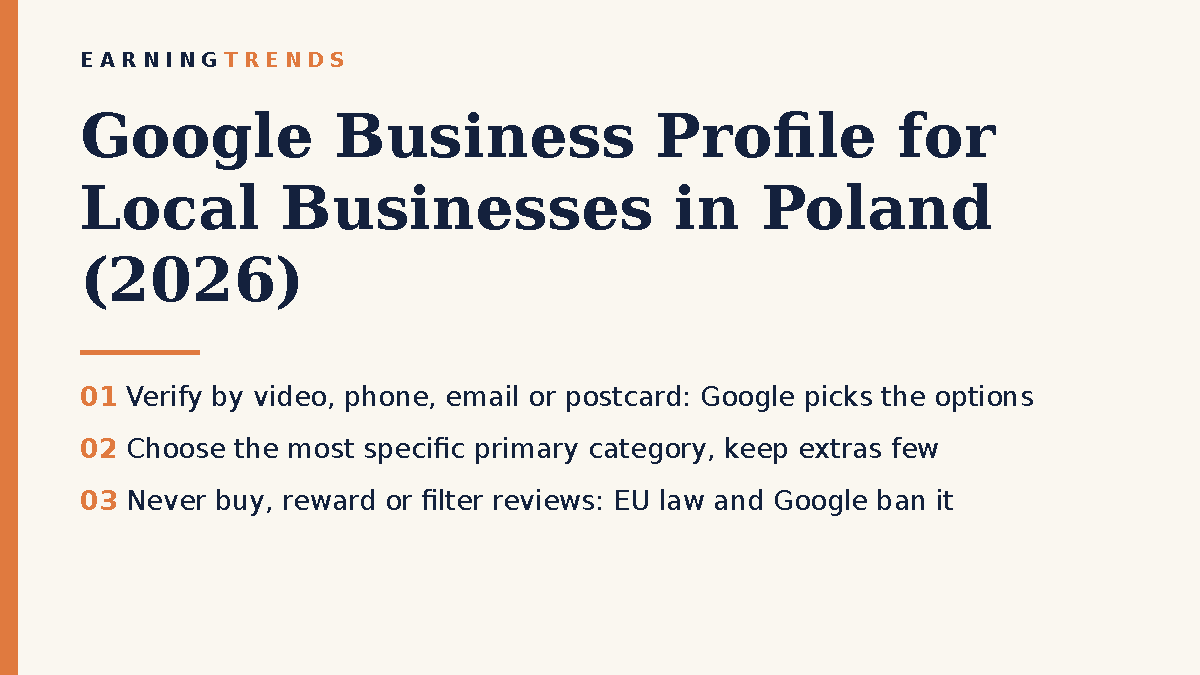
Why a Google Business Profile matters for local businesses
When someone searches for “fryzjer Mokotów” or “electrician near me”, Google shows a map with a few local businesses before the normal results. Those listings come from Business Profiles. A complete, verified profile lets people call you, get directions or visit your website straight from the search results. It costs nothing except your time, which makes it one of the best-value marketing steps a small business can take.
Step 1: Create and verify your profile
You need a Google Account to create a Business Profile. Use one that belongs to the business (not a personal account an employee might leave with), then search for your business on Google Maps to check whether a profile already exists. If it does, claim it rather than creating a duplicate.
Next comes verification, which proves you run the business. Google decides which methods you can use, and you may need more than one. The options are:
- Video recording: you film your location, signage and proof that you manage the business. Google recommends this method when it is offered to you.
- Live video call: a Google support agent guides you through a video check. It is only available during your business hours, and you need to be on site.
- Phone or text: Google sends a code to your business number. Automated phone menus cannot receive it.
- Email: a code goes to an address you must be able to access.
- Postcard: a code is mailed to your address. It usually arrives within 14 days and expires after 30 days. It is not offered to every business.
After you complete the steps, Google’s review can take up to five business days. While you wait for a postcard, do not change your business name, address or category, and do not request a second code, because that cancels the first one. Never share a verification code with anyone, including agencies offering to “help”.
Step 2: Fill in the profile properly
Name, address and contact details
Use your real business name as customers see it on your signage, without adding keywords or city names. Make sure the address, phone number and website match what appears on your site and in other directories. If you serve customers at their location (cleaning, repairs, mobile services) rather than at your premises, set yourself up as a service-area business and do not show a home address publicly.
Categories: be specific
Your primary category tells Google what your business is. Google’s advice is to choose the most specific option that fits, for example “Nail salon” rather than just “Salon”. You cannot create your own categories. Additional categories can highlight extra services or departments, but keep them few. Google specifically says not to add a category for every product or service you offer.
Hours, description, services and language
Add regular hours and update special hours for public holidays, such as 1 and 11 November or Christmas Eve in Poland. Write a plain description of what you do and where. List your main services with short explanations. If you serve foreign customers or tourists, mention which languages you speak in the description.
Step 3: Reviews, and the rules you must follow
Reviews influence both whether customers choose you and how much they trust you. Asking for them is allowed and encouraged. Manipulating them is not, and in the EU it can be illegal as well as against Google’s rules.
What Google prohibits
Google’s policy for Maps content bans offering incentives such as payment, discounts or free products in exchange for a review, or for changing or removing a negative review. It also bans discouraging negative reviews or asking only happy customers for reviews (often called “review gating”). Reviews based on a conflict of interest, for example from current or former employees, are not allowed either.
What EU law says: the Omnibus Directive
The EU’s Omnibus Directive (2019/2161) has applied in Poland since 1 January 2023 and is enforced by the consumer protection office, UOKiK. Its key review rules are:
- Submitting or commissioning fake reviews, or paying someone else to post them, is a banned commercial practice.
- Misrepresenting reviews, for example publishing only positive ones and deleting the negative ones, is also banned.
- If you display customer reviews yourself, for example on your website, you must say whether and how you check that they come from real customers. Claiming reviews are “verified” without reasonable checks is an unfair practice.
For widespread breaches across several EU countries, the directive provides for fines of up to 4% of a trader’s annual turnover. Buying a pack of five-star reviews is not worth that risk, and Google can also remove the reviews or restrict your profile.
This is general information, not legal advice. If you run review campaigns or publish reviews on your own site, check the details with a lawyer or UOKiK’s guidance.
How to get honest reviews
- Copy your profile’s review link from the Business Profile dashboard.
- Send it to every customer after a completed job or visit, not only the ones you think were happy.
- Put a QR code with the link at your counter or on your invoice.
- Reply to reviews, both good and bad, politely and without sharing customers’ personal data.
Step 4: Keep the profile active with posts and photos
Add real photos of your premises, team (with their consent), products and finished work. Customers want to see what they will get, and stock images do not help. You can also publish short posts about news, offers or events, which appear on your profile. A simple routine works well: one or two new photos and one post a month, plus a quick check that hours and details are still correct.
Step 5: Track results
The Performance section of your profile shows how people find and use it. The main metrics are:
| Metric | What it counts | What it tells you |
|---|---|---|
| Views | Unique people who viewed your profile on Search and Maps (counted at most once a day) | How visible you are |
| Searches | Search terms people used to find you (updated monthly) | Which words to use in your description and services |
| Calls | Taps on the call button | Direct enquiries (needs a phone number on the profile) |
| Directions | Requests for directions to your business | Likely visits to your premises |
| Website clicks | Clicks on your website link | Traffic you can follow up in your analytics |
| Messages and bookings | Message conversations and completed bookings, where enabled | Leads that came straight from Google |
Compare the numbers month by month rather than day by day. To see what happens after someone clicks through to your website, add a tracking parameter to your profile’s website link and follow those visits in your analytics. Our guide to setting up a marketing analytics dashboard explains how to bring this data together.
Common mistakes to avoid
- Stuffing keywords into the business name. “Kowalski Hydraulik Warszawa Tanio 24h” breaks Google’s guidelines and can get the profile suspended.
- Creating duplicate profiles. Claim the existing one instead.
- Editing details during verification. Changing the name, address or category while waiting for a postcard invalidates the code.
- Buying or rewarding reviews. It breaks Google’s policy and EU consumer law.
- Ignoring negative reviews. A calm, factual reply shows future customers how you handle problems.
- Letting it go stale. Wrong holiday hours or an old phone number cost you customers.
Your Business Profile works best together with a fast, clear website. If you are not sure where your online presence is losing customers, a digital performance audit is a good starting point. Our shop offers a Digital Performance Audit, a Marketing Strategy Blueprint and an Analytics & Reporting Setup for small businesses that want help with this.
FAQ
Is a Google Business Profile free?
Yes. Creating and managing a profile costs nothing. You only need a Google Account.
How long does verification take?
Google says reviews can take up to five business days after you complete the steps. A postcard usually arrives within 14 days. Some verifications are instant.
Can I offer a discount for a Google review?
No. Google’s policy forbids incentives for reviews, and offering them can also breach EU consumer rules. Ask every customer for honest feedback instead.
Can I have a profile without a shop or office?
Yes, if you meet customers in person, for example at their homes. Set up a service-area business and hide your address.
Conclusion
A well-kept Google Business Profile is free and directly linked to calls, visits and bookings. Verify it, choose a precise primary category, keep your details current, ask every customer for an honest review and check the performance numbers once a month. Avoid shortcuts with reviews. In Poland and the rest of the EU they carry real legal risk, not just the chance of a removed review.
Sources
- Google Business Profile Help – Verify your business
- Google Business Profile Help – Choosing categories
- Google Business Profile Help – Performance and insights
- Google Maps – Prohibited and restricted content
- Farrer & Co – Omnibus Directive rules on reviews
- Poradnik Przedsiębiorcy – Dyrektywa Omnibus a publikacja opinii
Images: EarningTrends graphic.