Cookie Banner Rules in Belgium (2026): APD Checklist for SMEs
If your business website or web shop is visited by people in Belgium, you need prior consent for every cookie or tracker that is not strictly necessary, and that includes analytics. The Belgian Data Protection Authority (APD in French, GBA in Dutch) expects a “Reject all” option on the same level as “Accept all”, no cookie walls, no pre-ticked boxes and a way to withdraw consent that is as easy as giving it. This guide turns the authority’s official cookie checklist into practical steps for small and medium-sized businesses.
The legal basis in Belgium
Two sets of rules apply together:
- Article 10/2 of the Law of 30 July 2018 on the protection of personal data (the Belgian “framework law”) implements the EU ePrivacy rule on storing or reading information on a user’s device. It replaced the old article 129 of the Electronic Communications Act in 2022; the substance stayed the same.
- The GDPR governs how you then process the personal data collected through cookies, and sets the standard for valid consent.
“Cookies” here is a broad term. The APD’s checklist explicitly covers other tracking techniques under the same article 10/2 definition: tracking in smartphone apps, pixels, device fingerprinting and local storage. If your site loads a marketing pixel, the same consent rules apply as for a cookie.
When you do not need consent
Only two narrow categories are exempt:
- Essential technical cookies used solely to transmit a communication, such as load balancing.
- Strictly necessary functional cookies needed to provide a service the visitor explicitly asked for, for example remembering a language choice, storing their cookie preferences or keeping items in a shopping basket.
Audience measurement is not exempt in principle. The checklist notes that some authorities in other countries allow certain analytics without consent under strict conditions, but the Belgian authority’s starting point is that visitor counting is not strictly necessary to provide what the user requested. In practice: block Google Analytics and similar tools until the visitor accepts. The APD itself only runs its privacy-friendly analytics tool on its own website after visitors give consent.
What a compliant banner looks like: the APD checklist
The Belgian authority published its cookie checklist on 20 October 2023. It says the list creates no new obligations, but it is a clear statement of what inspectors look for.
Freely given consent
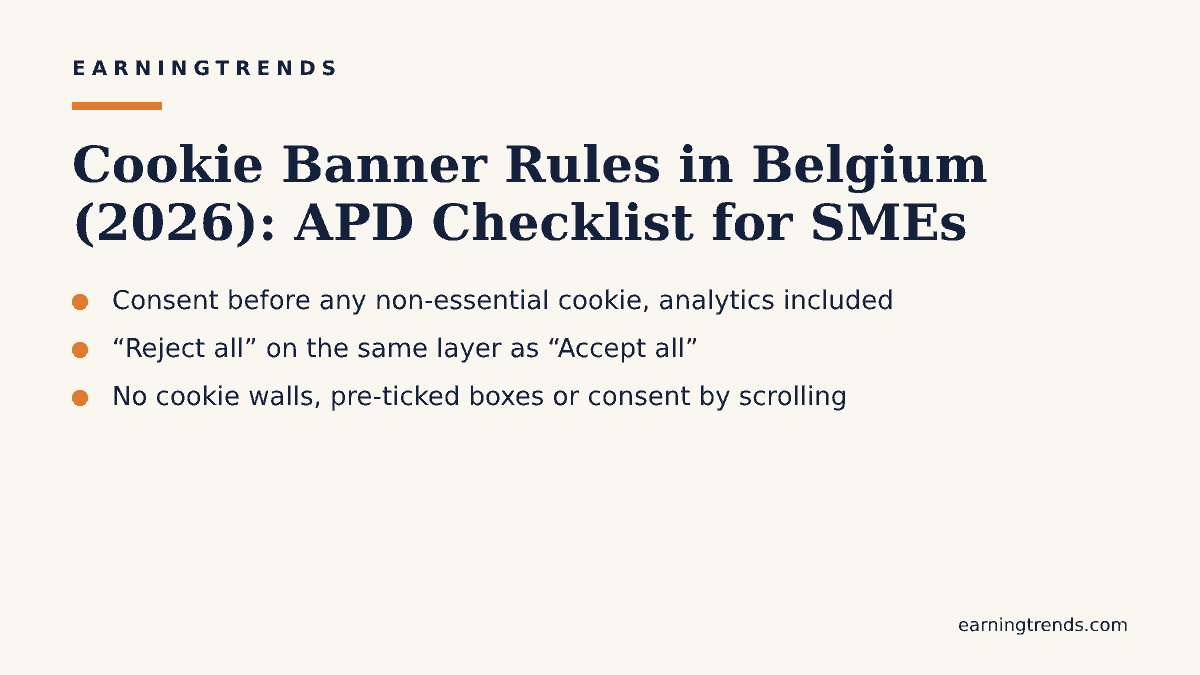
- No cookie walls: access to your site must not depend on accepting cookies.
- A “Reject all non-essential cookies” button (or equivalent) on the same layer as “Accept all”. A “Settings” button next to “Accept all” is not enough.
- No deceptive design, such as using colour to push one choice. A good example is “Reject all” and “Accept all” shown in the same style.
Specific consent
- At the latest on a second layer, visitors must be able to consent separately for each purpose.
- Categories should be as precise as possible and based on purpose. Your own advertising and third-party advertising count as separate purposes, as do social media sharing buttons and ad personalisation.
- Avoid using one cookie for several purposes, and where relevant let visitors accept or refuse individual partners.
Informed consent
On the first layer, state clearly and concisely: the purposes, who places or reads the cookies (with the number of partners and a link to the full list), how to accept or refuse, what happens if you refuse or accept, and that consent can be withdrawn and how. On a lower layer, give the full list of cookies by category, with purpose, duration and recipients.
Unambiguous, active consent
- Do not treat scrolling, continued browsing, closing the banner or inactivity as consent.
- No pre-ticked boxes, on any layer.
- Do not bundle cookie consent with acceptance of your terms or privacy policy.
- Do not rely on browser settings as consent.
Accountability and withdrawal
- Store the visitor’s cookie choice only for a limited time. The APD considers six months reasonable in principle before asking again.
- Keep evidence of how your consent banner changed over time and archive old versions of your cookie policy, with a date and version number.
- Offer a clearly visible link or button to change settings and withdraw consent in one click, and make sure withdrawal actually stops the tracking rather than only preventing future cookies.
Quick comparison: compliant vs non-compliant choices
| Practice | Compliant in Belgium? |
|---|---|
| “Accept all” and “Reject all” on the first layer, same style | Yes |
| “Accept all” plus “Settings” only | No |
| Analytics cookies loaded before consent | No |
| Language or basket cookies without consent | Yes, if strictly necessary |
| Consent by scrolling or closing the banner | No |
| Pre-ticked purpose boxes | No |
| Consent remembered for six months, then asked again | In line with APD guidance |
| Withdrawal via a footer link in one click | Yes |
| Site blocked until cookies are accepted (cookie wall) | No |
Enforcement: this is not theoretical
Belgium has enforced the rules against well-known publishers. In decision 85/2022 of 25 May 2022, the authority’s Litigation Chamber fined Roularta Media Group €50,000 over cookie management on knack.be and levif.be. Inspectors found dozens of non-essential cookies placed before consent, statistics cookies treated as not needing consent, pre-ticked partner consents and a withdrawal process that was not easy enough. In decision 103/2022, the Rossel group received the same €50,000 fine for its news sites. Decisions can be appealed to the Brussels Market Court, and the Roularta decision was challenged there, but the findings show clearly what inspectors look for. Beyond these national cases, GDPR fines can in theory reach €20 million or 4% of worldwide annual turnover.
Small businesses are less likely to be inspected proactively, but complaints from visitors can trigger proceedings, and cookie banners are among the easiest things for regulators and complainants to check.
Step-by-step implementation for SMEs
- Run a cookie scan of your site to list every cookie, pixel and script, and who sets it.
- Classify each one as strictly necessary or not. Be strict: analytics, advertising, heatmaps, chat widgets that track and social embeds normally need consent.
- Choose a consent management tool that can block scripts until consent and supports equal “Accept all” and “Reject all” buttons. Check its default settings, as many tools ship non-compliant defaults.
- Configure your tags (for example in Google Tag Manager) so that analytics and marketing tags fire only after the relevant consent.
- Write or update your cookie policy with the full cookie list, durations, recipients, your contact details and visitors’ rights, and add a date and version number.
- Add a persistent “Cookie settings” link in the footer.
- Test in a private browser window that no non-essential cookies appear before you click anything and that “Reject all” really blocks them.
- Document your banner versions and review the setup at least once a year or whenever you add a new tool.
If you would like a second pair of eyes on tracking, consent and analytics, our Digital Performance Audit, Marketing Strategy Blueprint and Analytics & Reporting Setup cover consent-aware measurement as part of a broader review.
Common mistakes
- Treating first-party analytics as essential. Belgium does not have a general analytics exemption.
- Hiding “Reject” on the second layer behind “Settings” or “More options”.
- Loading tags before the banner answer, often through a hard-coded script outside the tag manager.
- Keeping consent forever. Re-ask after a reasonable period; the APD points to six months.
- Copying another country’s rules. Our guides to cookie banner rules in the Netherlands and Spain show that national details, such as analytics exemptions, differ.
- Forgetting accessibility. A banner that cannot be used with a keyboard or screen reader causes problems under other rules too; see our guide to the European Accessibility Act for online shops.
FAQ
Do I need consent for Google Analytics in Belgium?
Yes. The APD treats audience measurement as not strictly necessary in principle, so analytics cookies should only be set after consent.
Is a “Reject all” button mandatory on the first layer?
According to the APD checklist, an “Accept all” button should not appear without an equivalent “Reject all non-essential cookies” option on the same layer. A “Settings” button alone is not enough.
How long can I store a visitor’s cookie choice?
The APD considers six months reasonable in principle.
Does this apply if my business is based outside Belgium?
The rules protect visitors’ devices, so a business targeting Belgian visitors should expect them to apply. Where you are established can affect which authority is competent, so get advice if you operate in several countries.
Conclusion
Belgian cookie compliance comes down to a few clear principles: block everything non-essential until the visitor says yes, make “no” as easy as “yes”, explain purposes and partners plainly, and keep records. Following the APD checklist protects you from the type of findings that led to €50,000 fines being imposed on major publishers. This article is general information, not legal advice; for complex setups, ask a data protection specialist in Belgium.